From screen recording to published documentation.
Walkmark captures each step while you work. AI writes guides, onboarding flows, and tutorials. Export Markdown, HTML, or PDF.
What is Walkmark?
Walkmark is an open source desktop app for macOS, Windows, and Linux that turns screen recordings into AI-written documentation. Record a workflow once, capture each step automatically, and export guides, onboarding docs, or tutorials without typing every instruction by hand.
How to create documentation with Walkmark
01
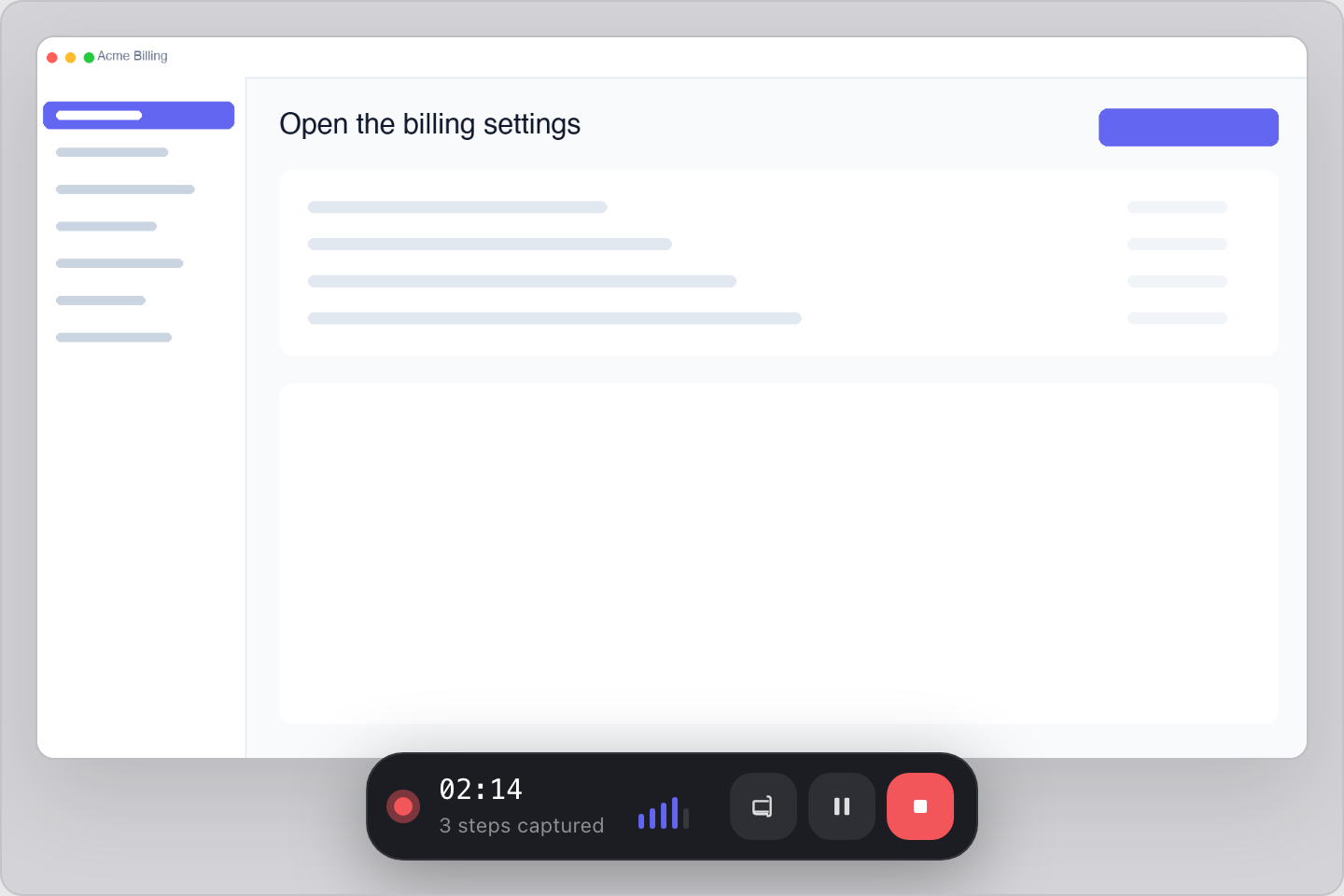
Record while you work
Pick a screen or window and run through the task. Walkmark saves a screenshot when you click, type, or scroll.
02
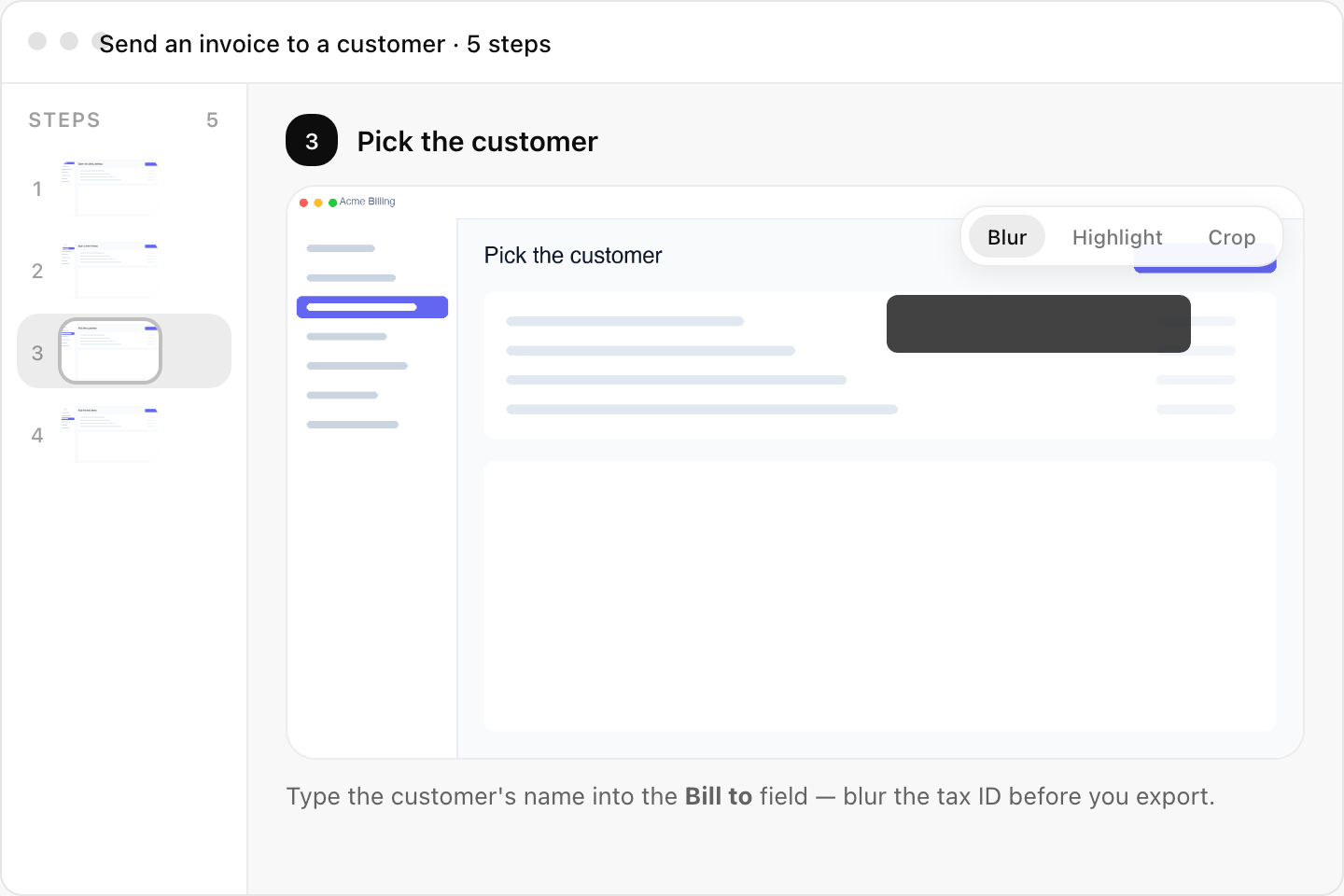
Fix what looks wrong
Reorder steps, blur a password field, swap a frame that landed too early.
03
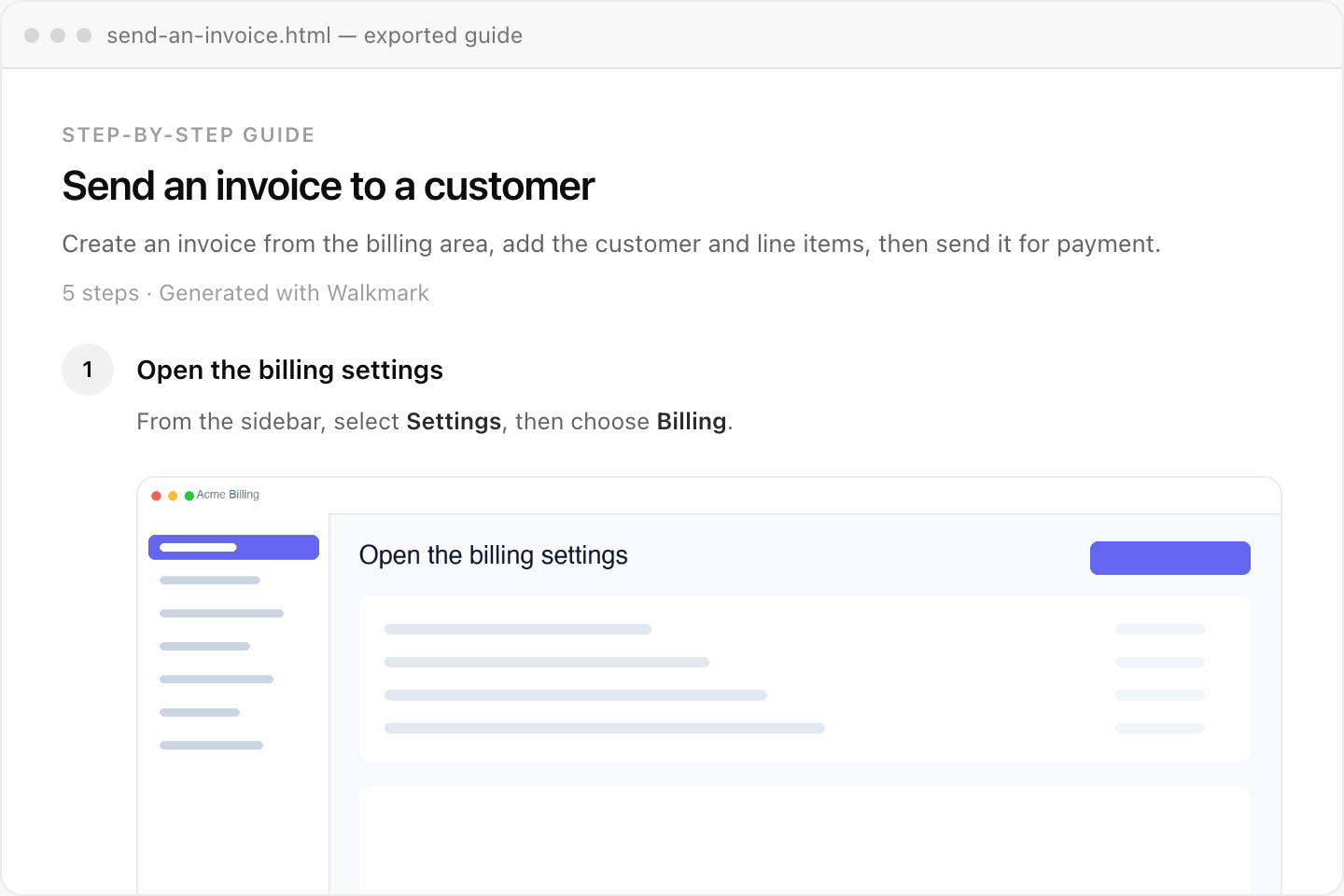
Let AI write it
Hit Write. The model drafts titles and step text from your screenshots. Edit what reads off, then export Markdown, HTML, or PDF.
Use cases for guides and onboarding docs
- Support & CS
- Turn a fix you just figured out into steps a customer can follow without getting on a call.
- Internal onboarding
- Show new hires where to click in your admin tools, CRM, or internal apps.
- Product how-tos
- Record a feature as you ship it. Export Markdown or HTML for your docs site.
- Compliance & SOPs
- Procedures with screenshots, redaction for sensitive fields, PDF when someone needs a paper trail.
How Walkmark uses AI to write documentation
Walkmark does not caption each screenshot in isolation. The AI reads the full sequence, picks a title and summary, then writes step by step with earlier context so lines do not repeat or contradict each other.
Use Ollama on your machine, connect OpenAI or Gemini with your own API key, or join Walkmark Cloud when it opens for hosted AI writing with no keys to manage.
Export formats
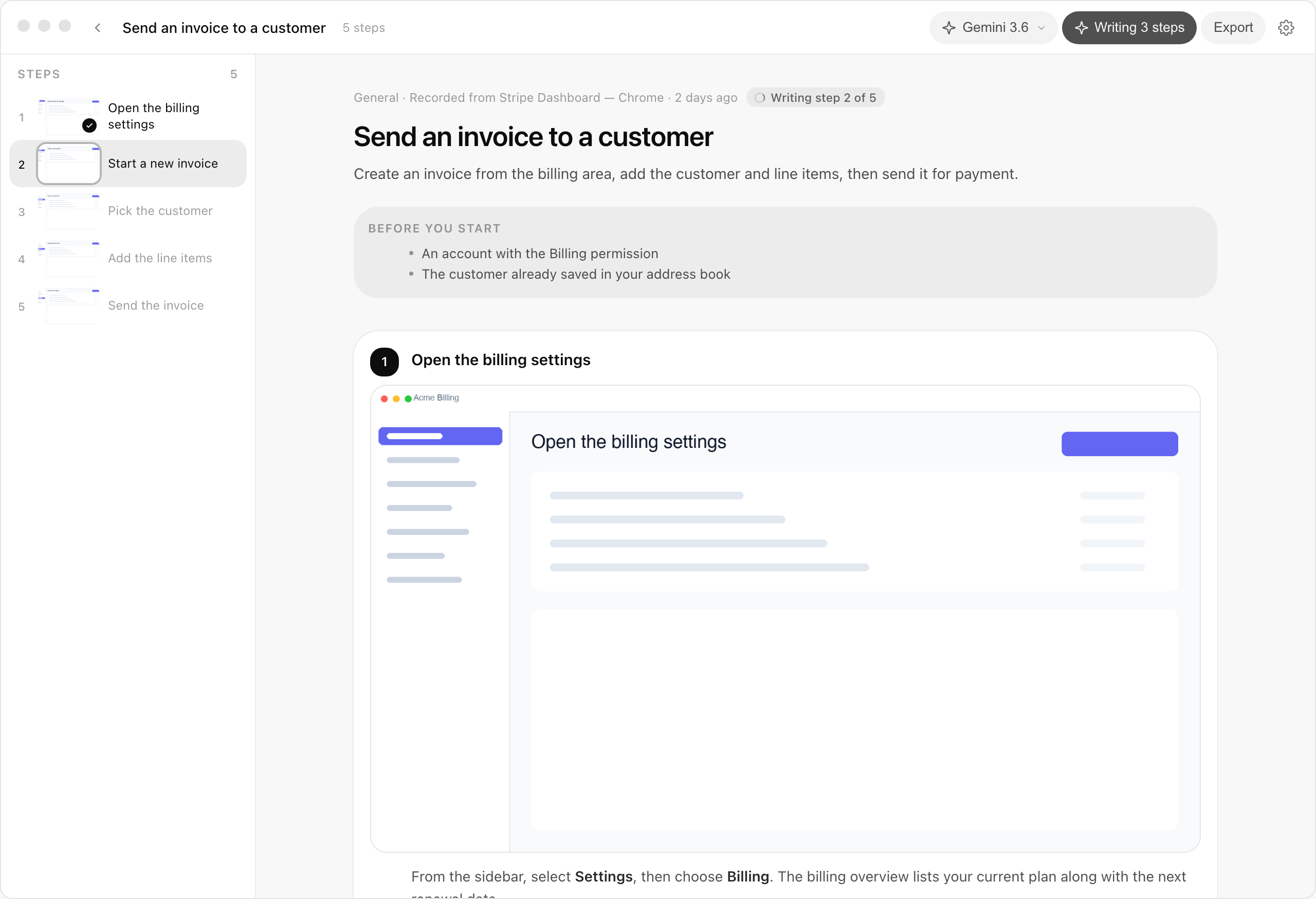
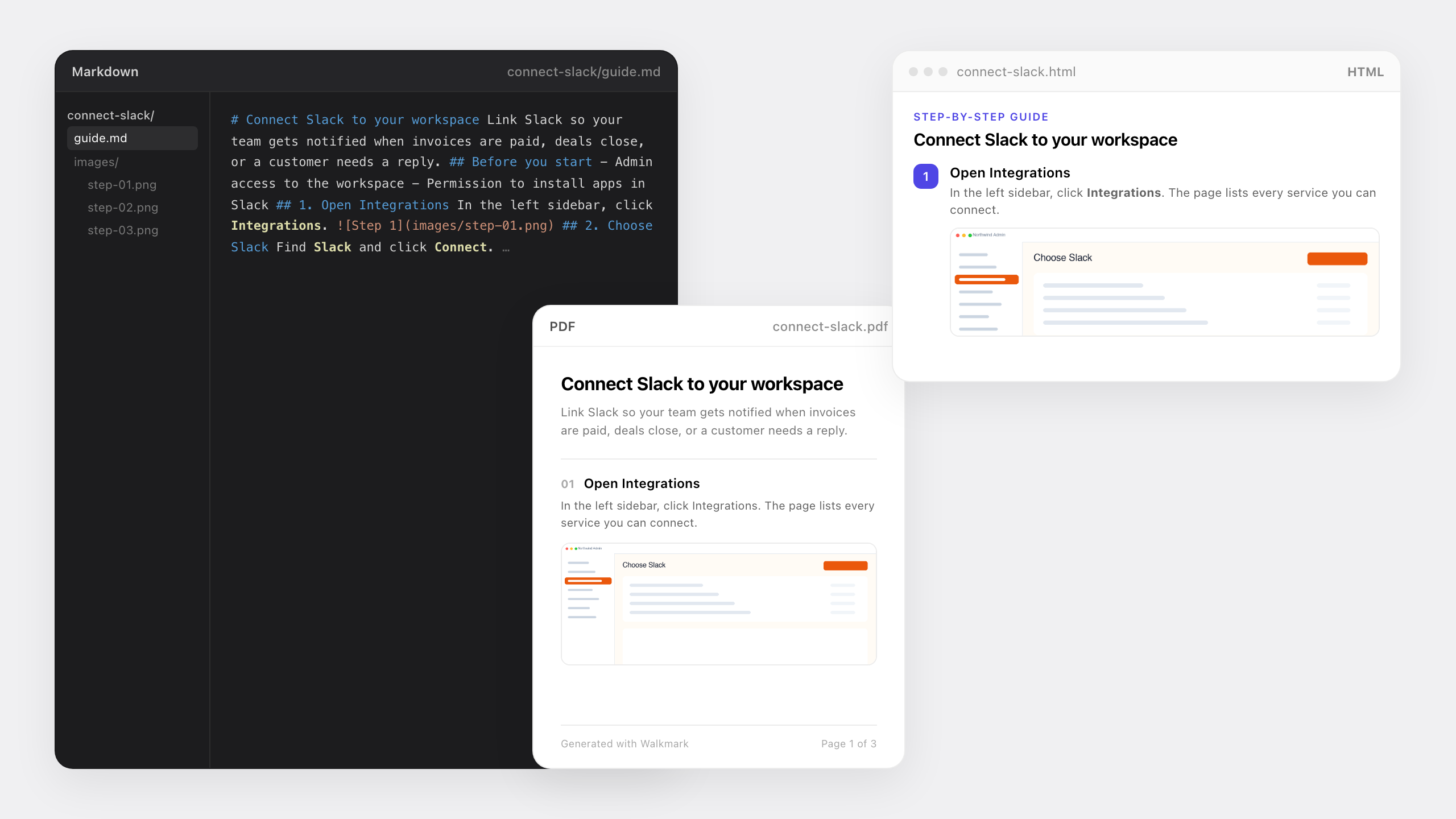
Ship the same guide in the format your team already uses. All exports include screenshots and numbered steps.
| Format | Best for | What you get |
|---|---|---|
| Markdown | GitHub, Notion, Confluence, internal wikis | One .md file plus an images folder |
| HTML | Email, help centers, hosting without a CMS | Single self-contained file with embedded images |
| Print, compliance sign-off, offline sharing | Print-ready layout with screenshots inline |
Local by default
Projects and screenshots stay on your disk. Recording and export work offline. For AI writing, use Ollama locally, bring your own API keys, or join Walkmark Cloud when it opens. In the open source app, keys never pass through our servers.
MIT license. No account. No subscription to run the app. See the full documentation or privacy policy.
Download
v0.1.2Open source. Installers for macOS, Windows and Linux.
Linux · AppImage
AppImage
macOS 11+, Windows 10+ (x64 or ARM64), Linux with screen capture. GitHub releases · Build from source
Frequently asked questions
More detail in the docs.
What is Walkmark?
Walkmark is a free, open source desktop app for macOS, Windows, and Linux. It records your screen while you work, captures each step, and uses AI to turn screenshots into guides, onboarding docs, and tutorials you can export as Markdown, HTML, or PDF.
How does Walkmark work?
Pick a screen or window, do the task once, and Walkmark saves a screenshot at each meaningful step. Click Write and a vision-capable AI model drafts titles and instructions from the sequence. Export the finished guide in the format you need.
Do I need an account?
No sign-in for the open source app. Walkmark Cloud will be optional later. The desktop app keeps working without it.
Does data leave my machine?
Recording, editing, and export stay local. Screenshots and prompts only leave your machine when you click Write: to a local model, your API provider, or Walkmark Cloud when that ships.
What permissions does Walkmark need?
Screen capture to take screenshots. macOS also asks for Accessibility so steps fire on clicks, typing, and scroll. Windows grants capture when you pick a source. Linux depends on your desktop: X11 is usually straightforward; Wayland may need portal support.
Which AI models work with Walkmark?
Any vision-capable model: Gemini, OpenAI, Anthropic, Mistral, OpenRouter, Ollama, or an OpenAI-compatible local server.
What export formats does Walkmark support?
Markdown with an images folder, a self-contained HTML file, and print-ready PDF. You can also copy formatted text to the clipboard from the editor.
Is Walkmark free and open source?
Yes. MIT license on GitHub. Download it, build it, and use it with no subscription. Walkmark Cloud, with hosted AI writing, will be a paid add-on when it launches.
Walkmark Cloud
Cloud AI built into the same desktop app. We run the models, you get unlimited writing and shareable guide links. No API keys. Not open yet. Leave your email and we will tell you when it launches.
Enterprise (SSO, audit logs, on-prem): hello@walkmark.app